
How to Search Cases by Name
Pick the court first. The name can wait. Felony, major civil, family, probate, guardianship, adoption, juvenile, and Superior judgment matters all sit in the Odyssey Portal. Misdemeanor, traffic, small-claims, protection-order, and limited civil cases usually run through Washington Case Search under District Court I or II instead.
- Identify the court level from the citation, notice, pleading, or case type.
- For Odyssey, select Clallam and enter the party as Last, First Middle.
- For statewide Case Search, choose the court level, search type, exact Clallam court, case type, and year.
- Complete the robot check and submit the search.
- Compare the caption, file date, location, and case type before opening a result.
The county's own Case or Name Search page points Superior users toward Odyssey. Business names work in the state form too. Spelling guess? Odyssey offers a Sounds Like option, though it cannot be paired with a wildcard.
Clallam County Odyssey Smart Search
Odyssey is the county's main anonymous search layer for Superior Court case information. Smart Search takes a case number or a party name. The results can be narrowed. Filters cover Clallam location, attorney, judicial officer, case type, status, and file-date range. Only the first 200 hits display. A broad common-name docket search needs tighter filters, or it will stall out.
The official Odyssey page shows the portal used for a Clallam County case lookup. Review the live source at Washington Courts Online Case Search.
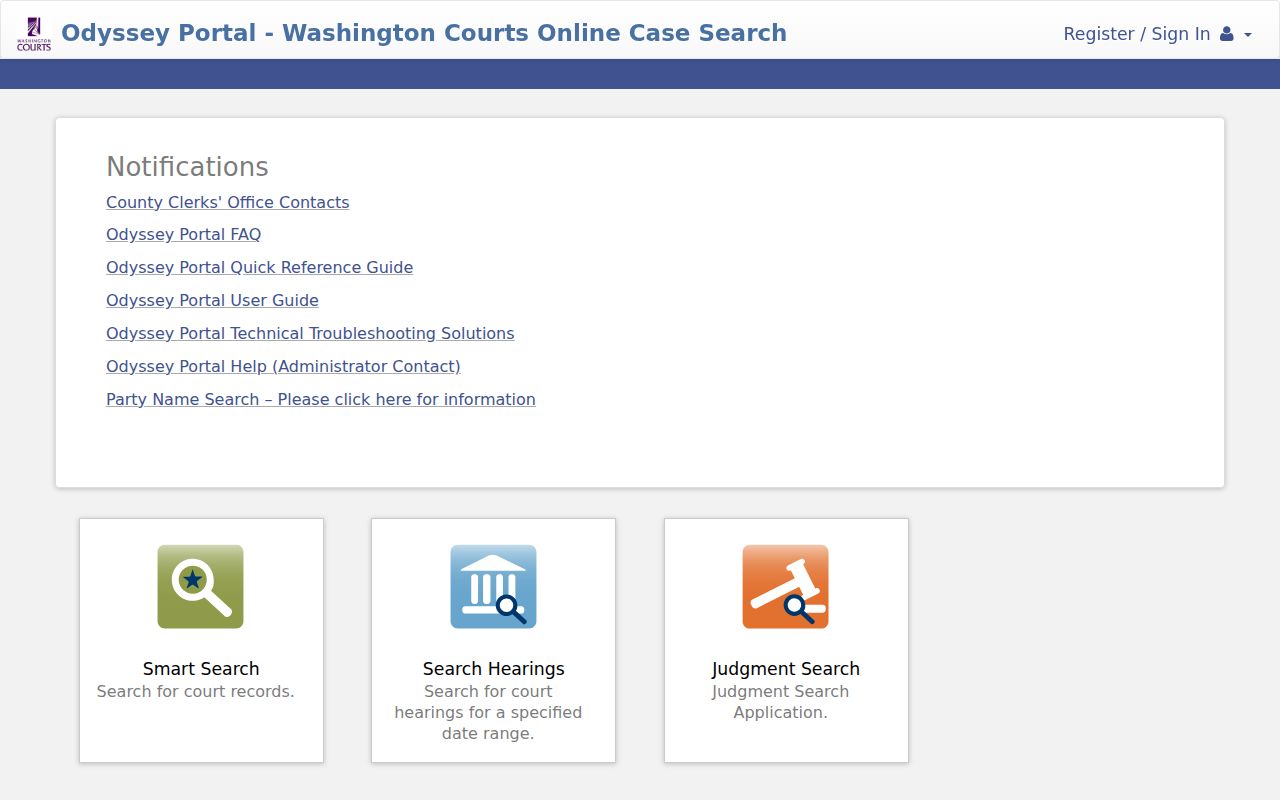
Click a case-number link to open the record tabs. Anonymous users get public case information, while Clallam controls access to filed document images.
| Field | Required | Format or use |
|---|---|---|
| Smart Search | Yes | Case number or Last, First Middle |
| County | No | Select Clallam to narrow results |
| Search Type | No | Party, business, lawyer, case, or judge |
| Date range | No | Limit by filing period |
| Robot check | Yes | Complete before Submit |
How to Search by Case Number
A case number is the best search key. It skips common-name matches. Type it exactly as it appears on a court paper. A Clallam Superior number may look like 24-1-00097-05. It combines the year, type or sequence elements, and a check digit. That format only shows structure. It is not a private case record.
Washington may list an Odyssey number plus an older SCOMIS or JIS cross-reference. You can search a legacy number, and it may show up under the Odyssey details. Try both when a transfer or older file fails to appear. Never force a District Court citation into a Superior format. Citation numbers vary, and court staff can spot an unaccepted one.
The county Clerk search landing screen links the public to the right Superior system. See the official source at Clallam County.
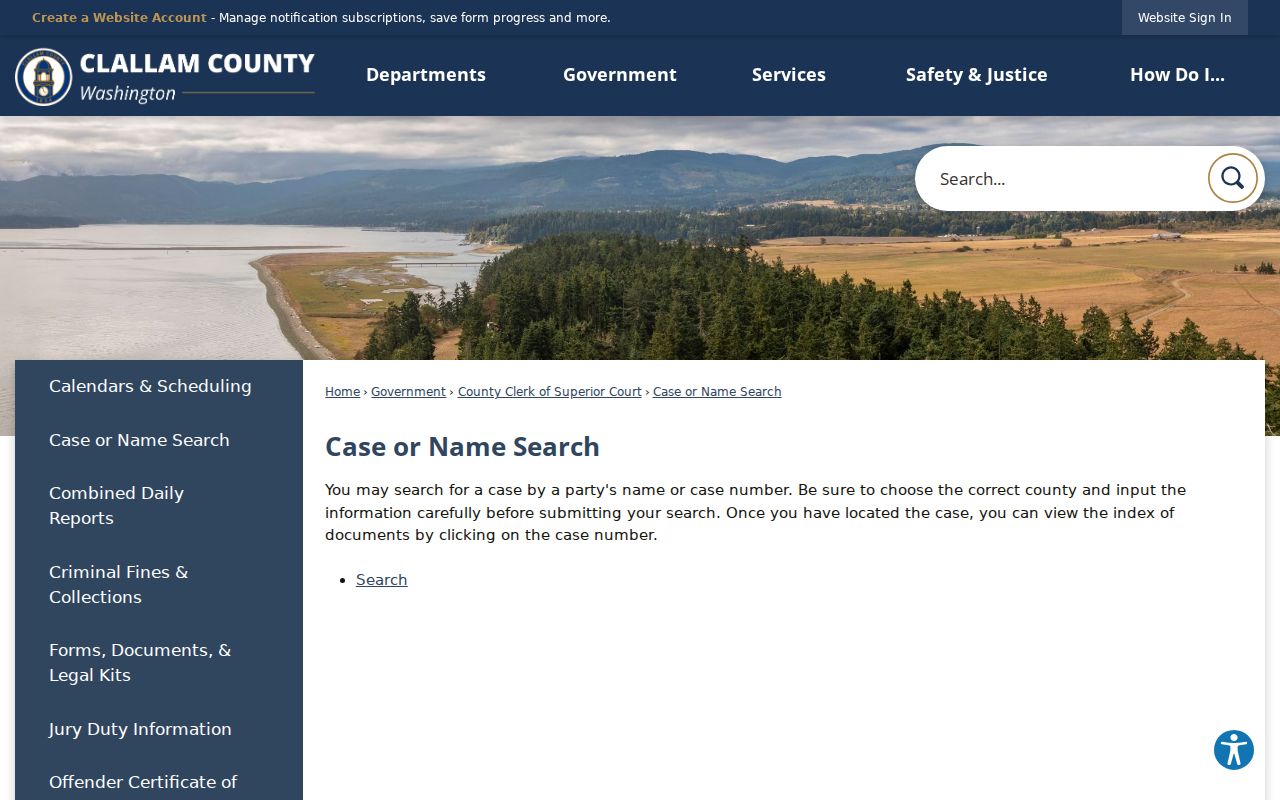
Treat the county page as a route to case information. For specific documents and certified copies, the Clerk remains the source.
Clallam County State Search Fields
Washington Case Search indexes District, Municipal, Superior, and appellate data. For Clallam District matters, choose District and Municipal Courts, then District Court I or II. Geography matters here. District I serves the central and eastern county, while District II covers the West End.
| Control | Required | Options |
|---|---|---|
| Court Level | Yes | District/Municipal, Superior, Appellate |
| Search Type | Yes | Name, case number, business |
| Court Name | Yes | Clallam Superior, District I, or District II |
| Case Type | Yes | Civil, criminal, domestic, probate, traffic, small claim |
| Year Filed In/After | Yes | 1975 through 2026 on the inspected form |
| Name or Number | Conditional | Depends on chosen search type |
Head to Washington Courts to see the filter page itself.
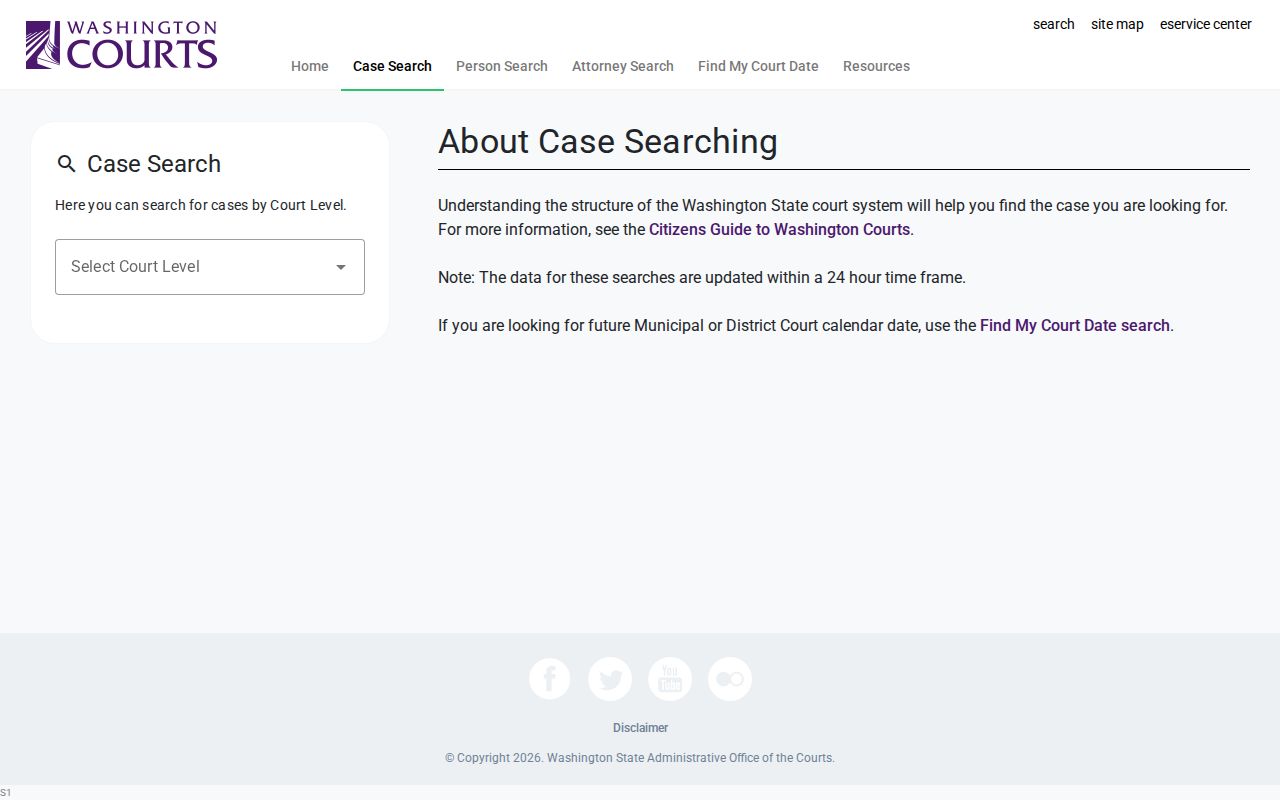
Treat the result as reference information only. Washington warns that dockets, judgments, document links, or status may display incorrectly.
What a Case Search Shows
A Clallam County result identifies a case and its public history. Odyssey sorts information into tabs. The statewide index may give less detail. Read the caption and court first, then trace events in date order.
| Case Information | Number, file date, type, status, location, and caption. |
|---|---|
| Party | Public party roles and attorney details where available. |
| Events | Chronological filings, orders, and case activity. |
| Disposition Events | Recorded outcomes for a case, party, or charge. |
| Hearings | Past and future settings, room, type, and officer when shown. |
| Documents | Not available to ordinary anonymous Odyssey users; request them from the custodian. |
A result does not open every pleading, exhibit, or protected field. The public register is an index. To get the filed papers behind it, follow the Clallam County court record request route.
Clallam County Person Search
The state's Person Search is a separate name-based path. It asks for a first and last name, with middle-name controls where offered. Match the name to the court record exactly. The tool can locate a case when you lack the court number. A common name, though, can flood you with results.
The official form page shows the public fields. View the live source at Washington Person Search.
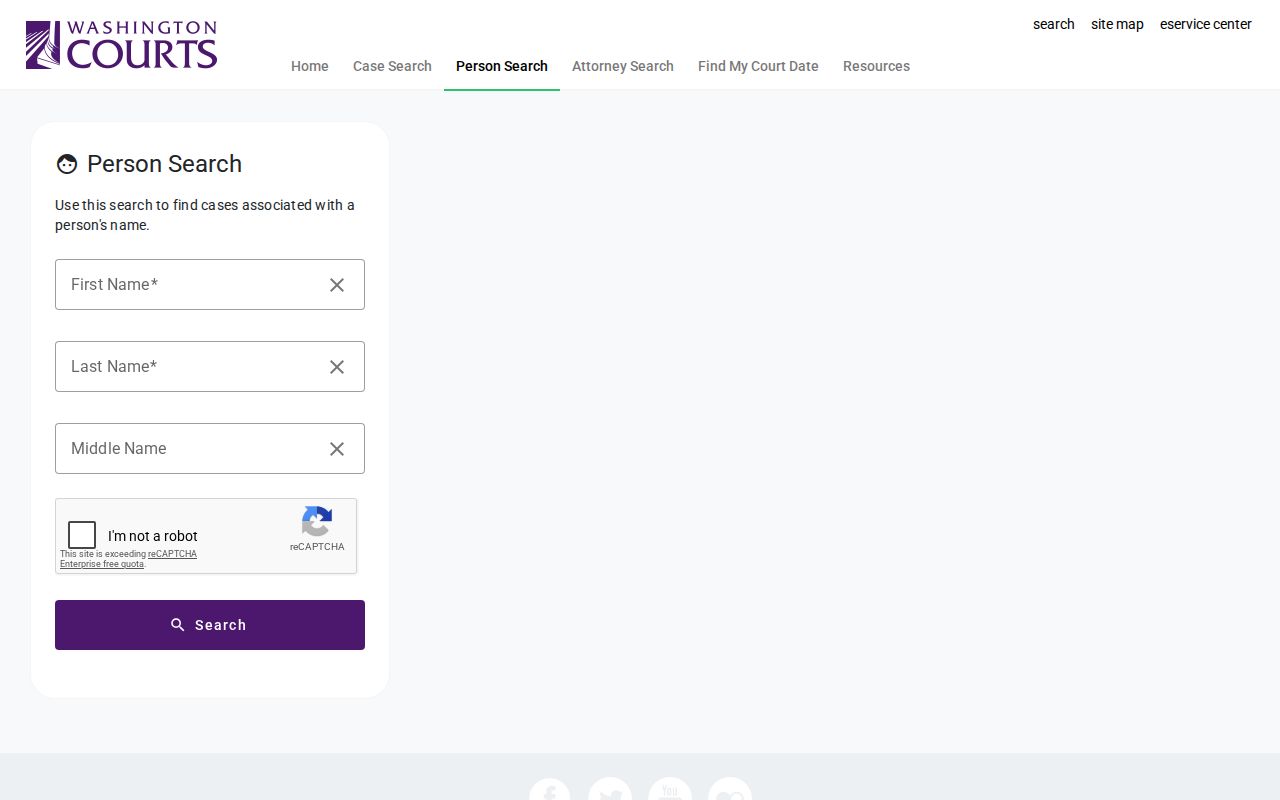
Use the hit to identify the court and number, then confirm the record in Odyssey or with District Court. Washington states plainly that its index is not a criminal-history report.
County vs Statewide Case Search
No single Clallam County portal holds every case type. Odyssey carries the strongest Superior public information. Limited-jurisdiction searches go through the statewide CLJ tools and the District Courts. For old, missing, or incomplete records, direct contact closes the gap.
| Source | Coverage | Best use |
|---|---|---|
| Odyssey | Clallam Superior Court | Case tabs, events, and hearings |
| Washington Case Search | Statewide court index | Find court, type, and case reference |
| Find My Court Date | District/Municipal calendars | Current future District dates |
| re:SearchWA | Migrating limited courts | Public CLJ access when Clallam data is live |
| Clerk or court | Official local file | Documents, certification, and confirmation |
Washington promotes re:SearchWA as the public layer for courts moving to the newer limited-jurisdiction system. Whether it carries live Clallam case data is another question. Do not assume it replaces the established fallback chain.
Clallam County re:SearchWA Transition
District Court I announced eFile and Serve, with mandatory electronic filing beginning July 1, 2026. That filing channel is not public case lookup. The related statewide technology project is shifting limited courts toward re:SearchWA public access. Availability varies during migration.
The official re:SearchWA page shows the public portal landing point. Visit the source at re:SearchWA.
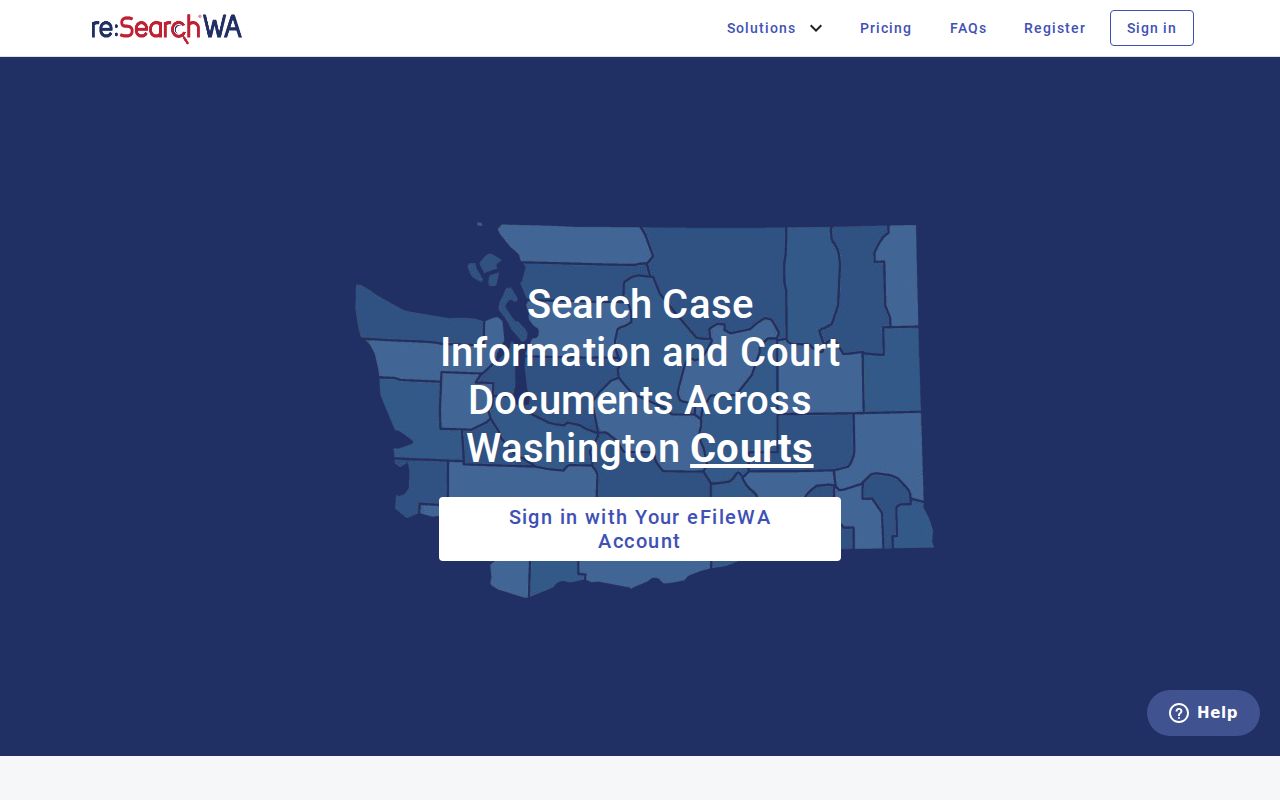
If usable Clallam data is absent, fall back to Washington Case Search, Find My Court Date, and the correct District Court office. An unavailable portal result is not proof that no case exists.
Clallam County Search Fallbacks
A blank result is rarely a dead end. The Clallam County docket may list the name under a different spelling, or the case sits in District Court while you searched Superior. Older filings sometimes fall outside the online index. When a file is closed or archived, the clerk can still help you track it down.
- Try the exact case number and any SCOMIS or JIS cross-reference.
- Reverse the party-name order to Odyssey's required Last, First format.
- Limit the location to Clallam and narrow the year or case type.
- Search the other court level and the appropriate District Court.
- Email, mail, phone, or visit the custodian with a focused request.
When the online lookup fails, go straight to the staff. Superior Court clerk requests can go by email to Web_Clerk@ClallamCountyWA.gov or by mail to Suite 9, 223 E. 4th Street, Port Angeles. District Court I sits in Suite 10 and answers at 360-417-2560. District Court II handles the Forks area from 502 E. Division Street, Forks, at 360-374-6383. A public terminal at the courthouse can add index detail, though it is wise to confirm what is available locally before relying on it.
Clallam County Search Geography
Geography decides where a Clallam County case lands. District Court I serves Port Angeles, Sequim, and the central and eastern county. District Court II covers Forks and the West End. That includes Neah Bay, Clallam Bay, Sekiu, and LaPush. The address tied to the filing or the citation tells you which limited court to search. Superior Court, by contrast, is countywide. Tribal and federal matters run through separate systems, so they never appear in a Clallam state-court docket result.
Clallam County Result Tabs
Opening a case in Odyssey reveals a row of tabs. Work through Case Information, Party, Disposition Events, Events, and Hearings. Each tab answers a different question. The event chronology records what was filed; Hearings isolates the settings. From a hearing result, a Register of Actions may open too. Read it as an index. When you need the actual wording of an order or motion, that is the next step. Request the named filing itself.
Clallam County Date Verification
Dates in a docket deserve one more check. Case Search data is generally refreshed daily. Find My Court Date draws on the current transactional database for the limited courts. Even so, a county calendar can change after posting. Before any appearance, compare the search result with your newest notice. Call the responsible court the morning of the proceeding. A stale status line never overrides a later court order.
Restricted Cases and Access Rules
Not every Clallam County case shows up for anonymous users. Sealed or restricted records, juvenile web data, protected family or guardianship material, adoption records, mental-health information, and personal identifiers can all be withheld. Statutes, court rules, and judicial orders permit this.
Public index does not mean public document. Washington General Rule 31 governs access to court records, while General Rules 15 and 22 address sealing, redaction, family, and guardianship limits.
Juvenile offender information is not displayed on a publicly accessible website under the applicable rule and policy.
A missing result does not mean the record was sealed. First test spelling, court, year, and case type. Authorized access must be requested from the court holding the file. For critical outcomes, check twice. Verify against the official judgment or a certified copy of the docket entry.